
See what changed in a file
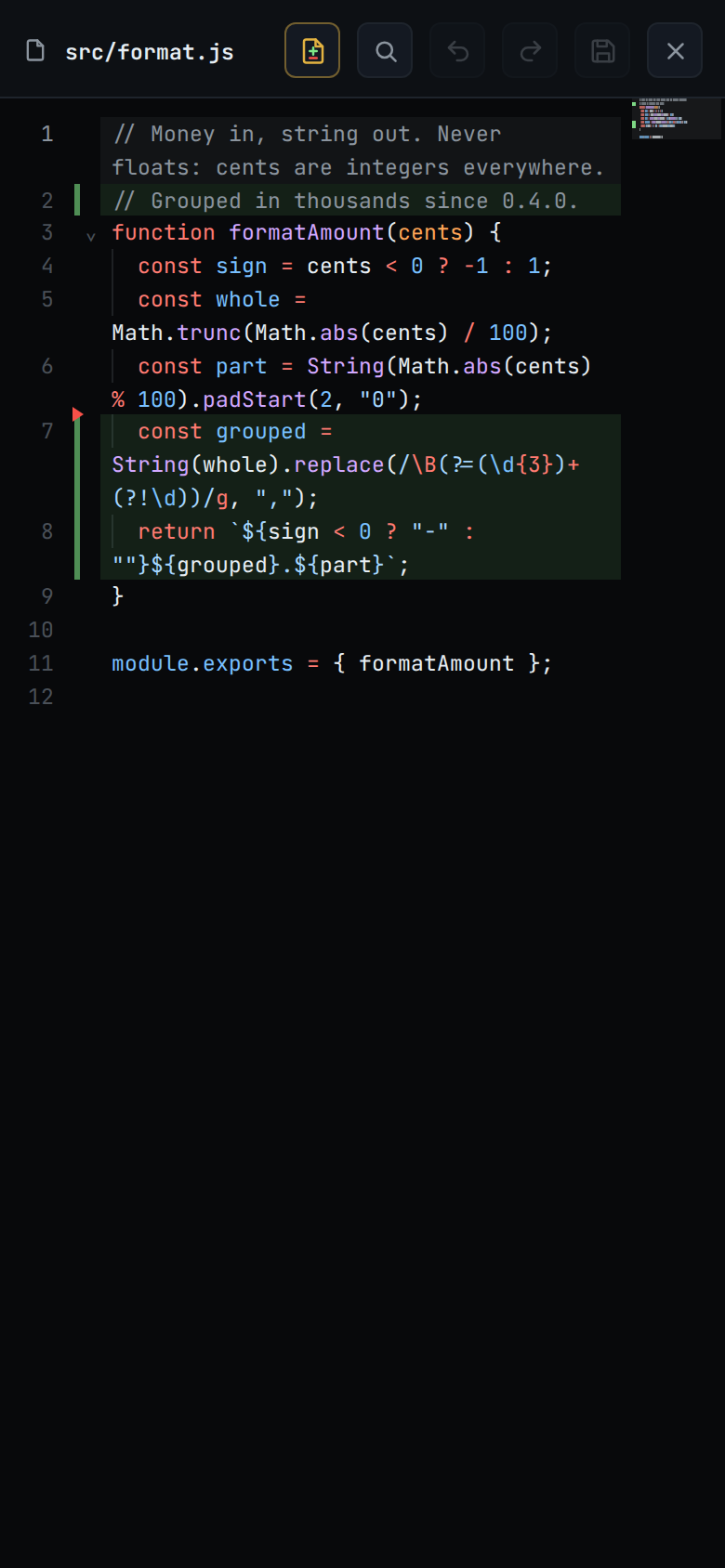
The open file is marked with what has changed since the last commit: new lines are highlighted, and a red wedge marks where lines were taken out.
Why you would use it
The agent has edited a file and you want to read the result in context, not as a patch. The marks show the change against the file as it is now, so the lines around it are the real ones.
How to use it
Open a file from the explorer. A text file opens in the editor, and the marks are drawn there.
The marks are already on, if the file has changed.
Tap the diff button in the viewer head (
#viewer-diff, "Show changes since the last commit") to turn the marks off, and again to turn them back on. The button shows only on a file with changes.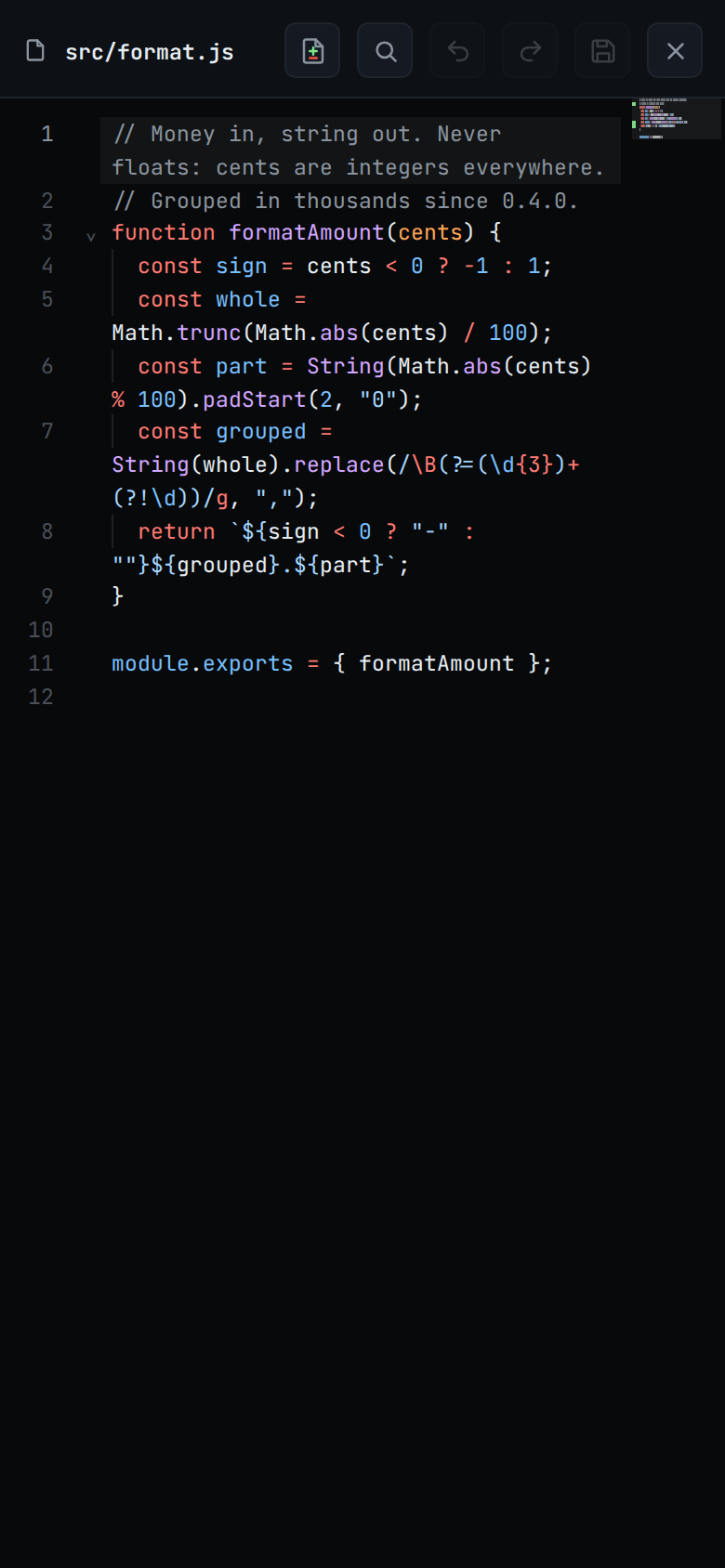
What you see
- In the editor, added lines are tinted green with a green bar in the gutter beside the line numbers. Where lines were taken out, a red wedge sits in the gutter on the top edge of the line that followed them; lines taken out past the end of the file put it on the bottom edge of the last line. The removed text is not shown.
- The marks follow the text as you type. After a save, and when the file changes on disk, they are worked out again.
- On a wide window the minimap carries a green bar beside each added line.
- In the read view (an image or a file that cannot be edited, a read-only copy
in another pane, or a file whose editor did not load) added lines are
highlighted, and removed lines are inserted above the line they were taken
out from, with
−in the number column, coloured as code in the file's language. - An untracked file is marked new on every line.
- With the marks off, the file reads as plain text; the button's pressed state
(
aria-pressed) follows.
Options and settings
| Option | Default | What it changes |
|---|---|---|
#viewer-diff |
on | Marks on or off. Kept for the session and applied to the next file you open, not stored |
Limits and known gaps
- The comparison is with the last commit (
HEAD), including staged and unstaged edits. It is not "what this turn changed"; for that, see turn-changes. - In a repository with no commit yet, everything counts as added.
- Outside a git repository there are no marks at all.
- A removed line cannot be commented on: it is not a line of the file as it is now. In the read view tapping it does nothing.
- The added lines are not sent over the wire. The viewer already holds the file as it is now and only needs to know which of its lines are new.
Related
- file-viewer: the sheet the marks are drawn in
- explorer-change-counts: the same data per file and folder
- turn-changes: what one turn changed, from the log instead of git
- comment-on-a-line: writing about a line you are reading
- thread-working-folder: which checkout the marks come from