
The welcome line and tip on an empty tab
A tab with nothing in it yet opens on the V mark, one short line, such as "Let's build something great." or "What's your moonshot?", and under it a tip on something VCode can do, such as "Swipe the transcript sideways to move between tabs.". They stand in the transcript until you send the first message.
Why you would use it
You open a new tab and the pane is dark until you type. The line says the tab is ready. The tip shows you one feature you may not have found yet: a command, a gesture, or something to ask the agent for.
How to use it
- Start a new tab from the plus (
#new-tab) or/new. - The transcript shows the V mark over one line and a tip, centred in the pane.
- Send a message. The line and the tip go and your message takes its place.
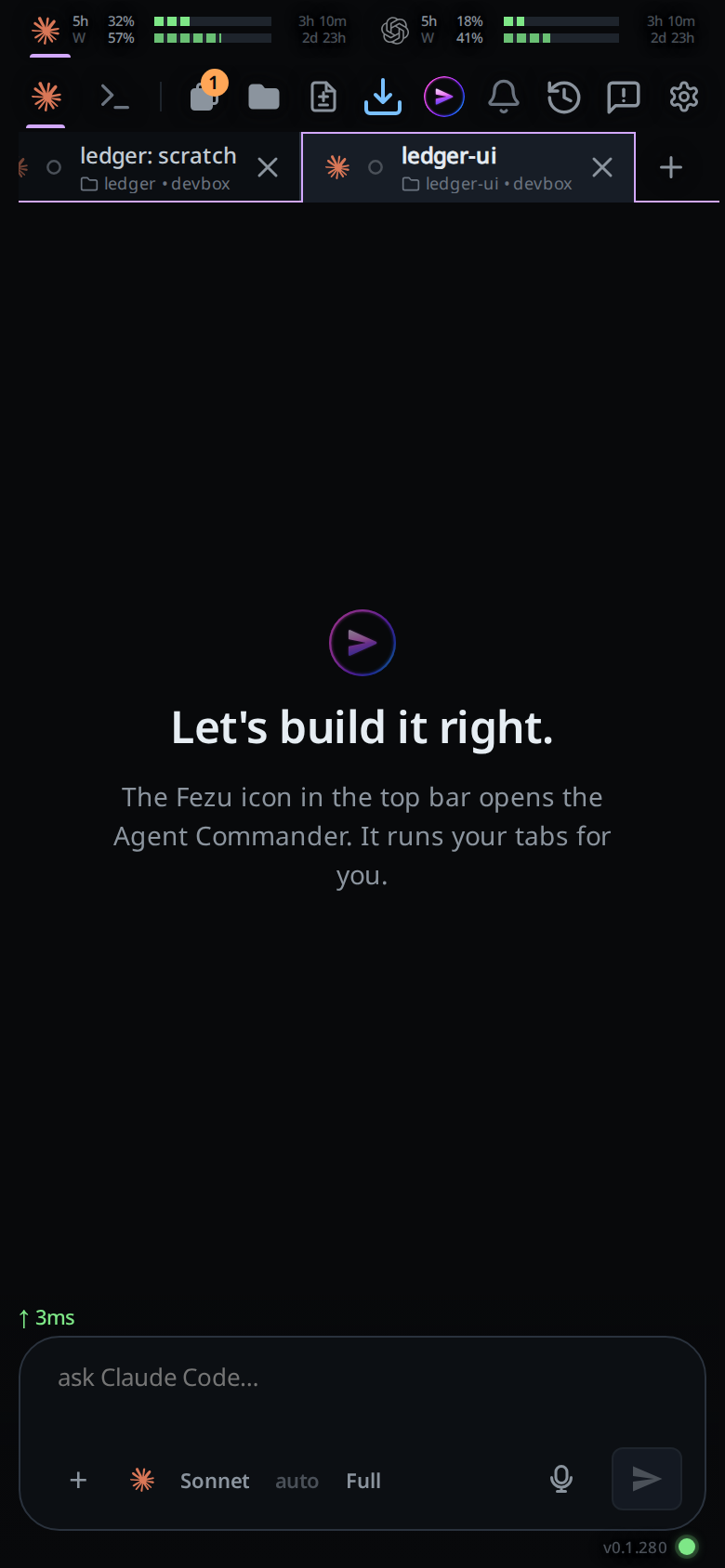
What you see
One of forty lines, in the app's heading type, under the V mark, and under it one of twenty-eight tips in smaller grey type. Each tab gets its own line and tip: the pick comes from the tab's thread id, so both stay the same when the tab is reopened or the page reloads, and the next tab you make most likely shows others. The tip is picked apart from the line, so one line does not always come with the same tip.
Behind them, a faint rain of small purple squares and braces falls slowly down the pane, the same rain as on the fezu.dev homepage but quieter. It thins out around the line so the text stays clear, pauses while the app is in the background and goes with the line when you send. With reduced motion or data saver on, the pane stays still.
A project's page past the last tab, where you type the next tab's first message, shows a line, a tip and the rain the same way.
The tips name only commands every agent runs, so each one works on the tab it shows on.
The line and the tip show only while the transcript has nothing in it: no message, no card, no queued line and no earlier history. A tab opened on an old conversation never shows it.
Options and settings
None. The lines and the tips are fixed in lib/welcome-lines.js.
Limits and known gaps
- The line and the tip cannot be turned off or edited from the app.
- Two tabs can show the same line or tip: the pick is by hash, not a draw without replacement.
- The rain cannot be turned off apart from your device's reduced motion setting.
- A tip does not know what you have already used. It can tell you about a command you run every day.
Related
- start-a-thread: making the tab the line shows on
- new-tab-command:
/newfrom the composer