
Screenshots inside the transcript
An agent can show you a picture. It copies the file into ~/.v-code-shots and
writes a markdown image line pointing at that file through VCode; the image
renders in the reply, and tapping it opens it full size. A short screen
recording comes as a GIF, which plays in the reply like any picture. A longer
one, or one with sound, comes as an MP4 that you tap to play.
Why you would use it
A browser screenshot, a rendered chart, a diagram: anything where describing it costs more than showing it. On a phone this is the only way to see what a Playwright run actually rendered.
How to use it
As the user:
Ask for a screenshot.
The picture appears in the reply.
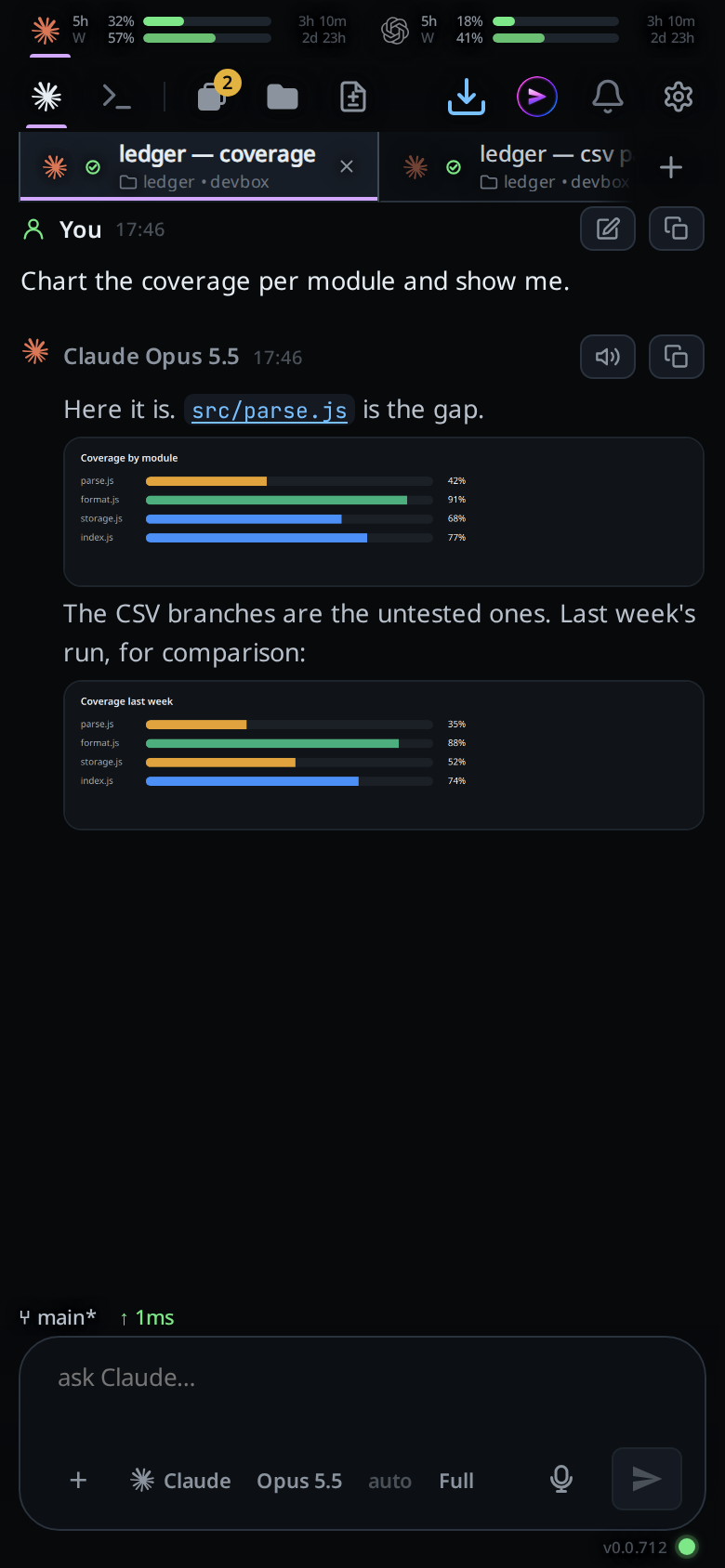
Tap it to open the viewer (
#shotview).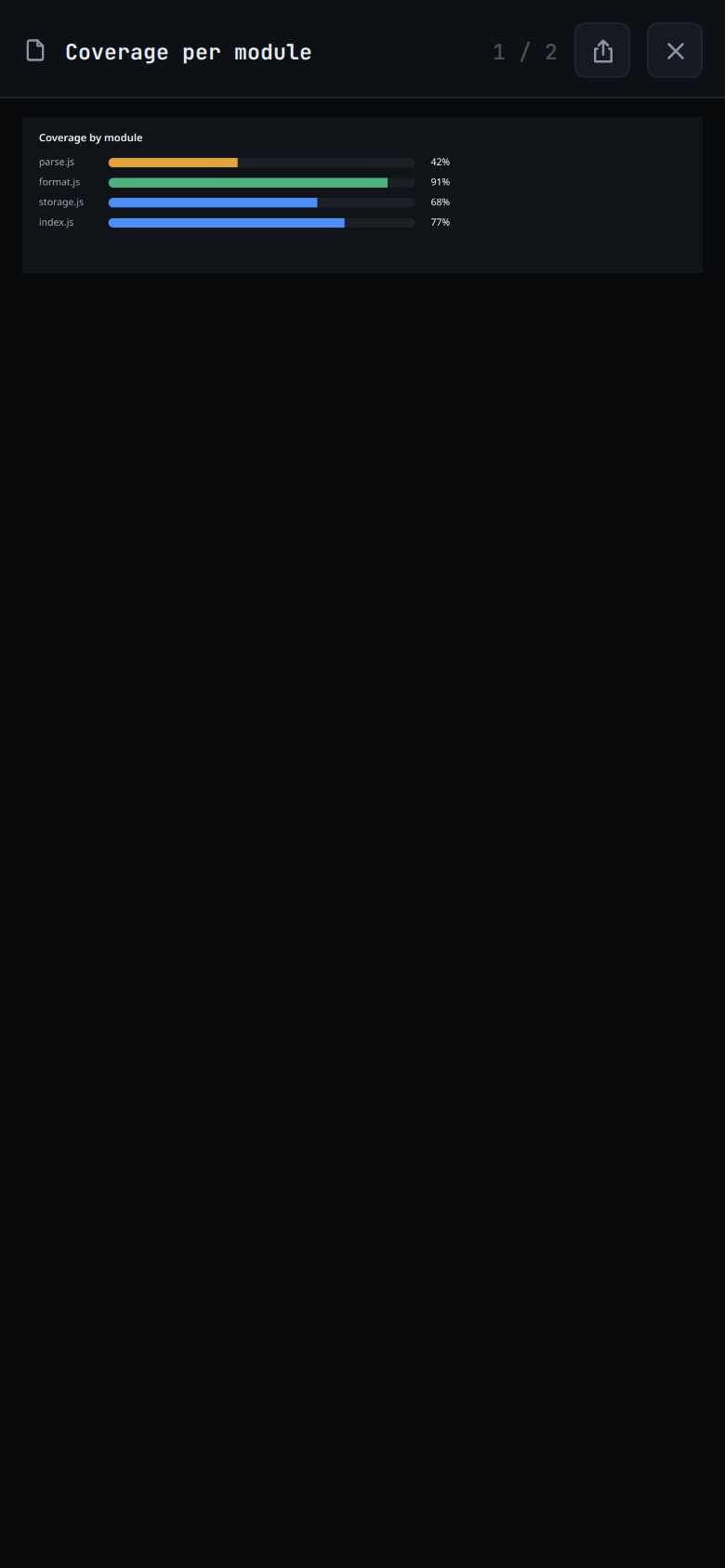
Zoom in to read the detail. On a phone, pinch with two fingers; the point between your fingers stays where it is. With a mouse, hold Ctrl and turn the wheel over the part you want; a trackpad pinch does the same. The wheel on its own scrolls. Double-click to jump to 2.5× there, and again to fit the picture back to the sheet.
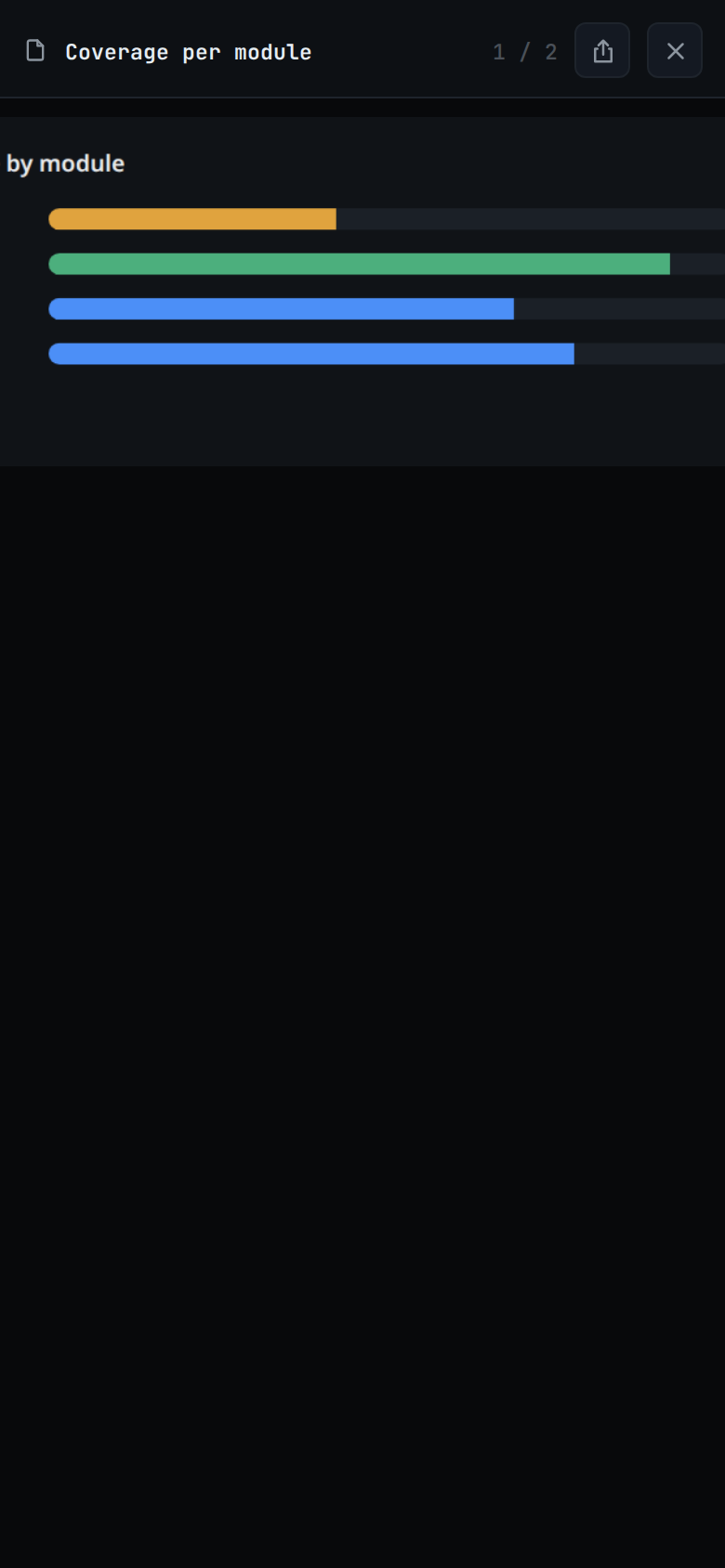
Once zoomed, scroll, or drag with one finger or the mouse, to move around.
Swipe left for the thread's next picture and right for the previous one, or press the right and left arrow keys. The swipe works on a fitted picture; double-click or pinch back to fit first.
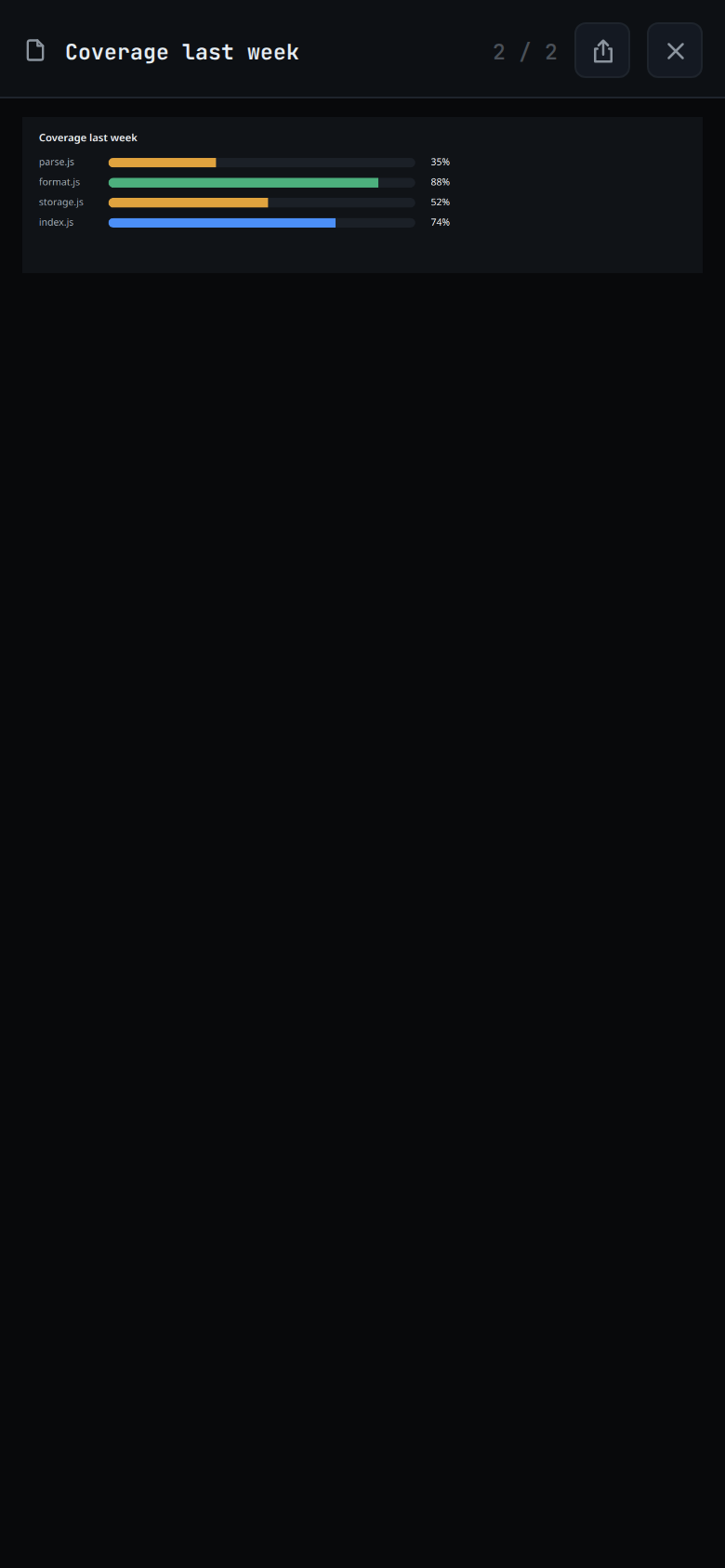
To send the picture somewhere else, a Messenger chat say, tap the share button in the viewer's header (
#shotview-share). On a phone the share sheet opens with the picture as a file; pick the app. A GIF arrives still moving. Where the browser cannot share a file, as on most desktops, the picture is saved to your downloads instead and a toast sayssaved <name>.The phone's back button closes the viewer and leaves you in the thread; so does the close button (
#shotview-close). The next picture opens fitted.
A recording the agent sent as an MP4 or WebM shows in the reply as a chip with
▶ and the line's alt text, not as a picture. Tap it to play it in the
file viewer's player (#playview); back or the
close button (#playview-close) stops it. When the browser cannot play the
file, the player says This browser cannot play <EXT> videos. A recording is
not in the swipe through the thread's pictures.
As an agent, from inside a thread:
- Write the image into
~/.v-code-shots/<name>.png. - Emit a markdown image line for it in the reply. The exact path is under How
it works, and the
v-code-screenshotsskill carries it.
What you see
The image renders inline, lazily loaded, at the point in the answer where the
markdown line was. The viewer shows it full size with the image's alt text in
the header (#shotview-name) and the picture itself in #shotview-img. An
image written with an empty alt is titled screenshot.
When the thread holds more than one picture, the header also shows where you are
among them, such as 2 / 5 (#shotview-count). The swipe steps through every
picture the thread shows, top to bottom: those in replies, the images you
attached, and a proof's screenshots. It stops at the first and the last; the
picture slides back instead.
An attached image you sent renders as a chip on your own message; tapping that opens the same viewer, titled with the file's name.
The picture opens fitted to the sheet's width, never larger than its own size. It zooms from there up to 8× and never below fit. The cursor shows a magnifier over a fitted picture and a hand over a zoomed one. The page around it does not zoom.
Options and settings
| Option | Default | What it changes |
|---|---|---|
| shots directory | ~/.v-code-shots, then ~/.portal-shots |
where the server reads the files from (config.shotsDir) |
Limits and known gaps
There is no Copy for a picture: the clipboard takes only PNG, so a GIF copied there would stop moving. Share sends the file instead.
Only images from
~/.v-code-shotsrender. A markdown image pointing anywhere else stays literal text. An inline<img>to a third party would leak that you are reading the thread.The filename must start with a letter or digit, contain only letters, digits,
.,_and-, and end in.png,.jpg,.jpeg,.webp,.gif,.mp4or.webm. Anything else is refused withbad shot name; a name that is not on disk getsno such shot.The pictures are behind the same login as everything else.
Files are served, never deleted.
~/.v-code-shotsgrows until you clear it.The swipe only steps through the pictures of the thread the picture was opened from. Pictures in a queued message are not in the list until it is sent.
Related
- read-the-transcript: where the picture lands
- formatted-answers: the rest of the markdown
- attach-photos-and-files: pictures going the other way
- open-an-attachment: the same viewer, opened from a chip
- proof-of-done: screenshots an agent attaches to a proof
- file-viewer: the player a recording opens in