
Update the agents and VCode from a tab
/update brings the machine up to date from your phone: the agents' command-line
tools, their model lists, VCode itself, and then the app you are looking at.
/refresh-models does only the model lists.
Why you would use it
A new model came out and your menu does not show it yet. Or a CLI has a fix you want, and you are nowhere near a terminal.
How to use it
- In any tab on the machine you want to update, type
/updateand send it. - Three cards appear in the tab, one per step, as each finishes.
- VCode restarts. The page reconnects and every tab that was working carries on. On a page the machine serves itself, the page also reloads onto the new app.
To refresh only the model lists, type /refresh-models and send it. The model
and effort menus show what each CLI offers now.
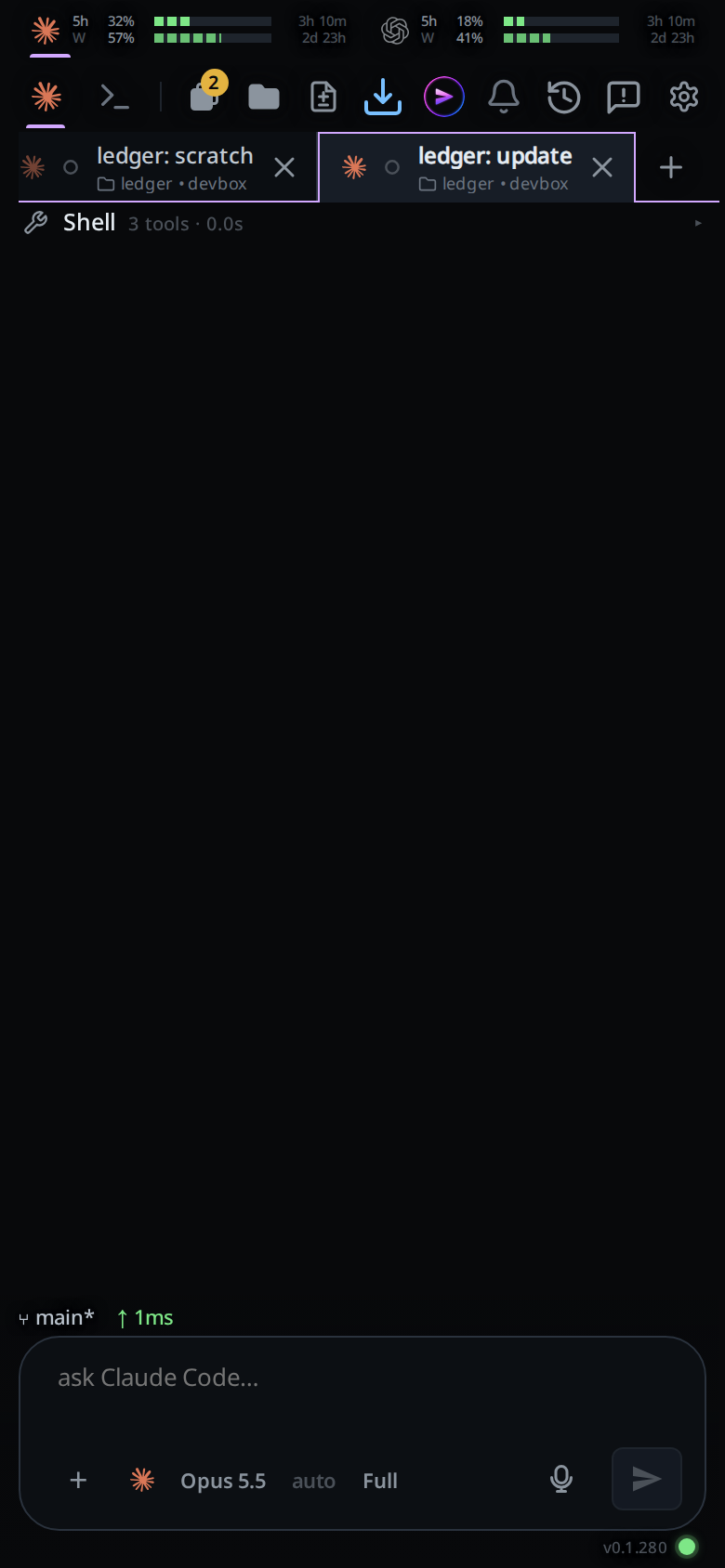
What you see
/updateanswers with the toastupdating: VCode restarts when it is done.- The first card,
update agent CLIs, has a== claudeheading for each CLI with what it printed while it updated. A CLI that is not installed reads== opencode: not installed, skipped. One that fails readscodex update failed (exit 1); the others still run, and the card is marked as an error. - Under
== devinyou see Devin's version:Updated to devin <version>, ordevin <version> is the latest. Devin's owndevin updateneeds a terminal to report, so VCode checks the version instead. - Under
== copilotyou see whatcopilot updateprinted. - Under
== museyou see whatmuse --versionprinted. - The second card,
update model lists, names the agents whose lists it refreshed:Refreshed the model lists of claude, codex, opencode, cursor.An agent whose CLI failed is named on a second line,Did not answer or failed: codex. The menus keep their last list., and the card is marked as an error. - The third card,
update VCode, says what started. On a machine installed from a release:The updater is running. It installs the newest release, if this box does not have it, and restarts VCode., followed by where its log is. - The top bar's connection drops while VCode restarts. When it comes back, a page the machine serves reloads onto the new app by itself, with no need to tap the update button. The model and effort menus read the new lists then too, even when the app itself did not change.
- On a machine whose VCode is too old for the command,
/updateanswersthis box runs a VCode too old for /update; it gets it with its next update, and/refresh-modelsthe same with its own name. - A step that cannot start, for example with four
!commands already running in the tab, ends the update with anupdatecard:update stopped:and the reason. /refresh-modelsanswers with the toastmodels refreshed, orcould not refresh the models of codexnaming each CLI that failed or took longer than 15 seconds. That one keeps loading, and the menu fills once it answers.- A second
/updatewhile one is running answersan update is already running.
Options and settings
| Command | What it does |
|---|---|
/update |
Runs claude update, codex update, opencode upgrade and cursor-agent update, refreshes the model lists, updates VCode on this machine and restarts it, then reloads the app |
/refresh-models |
Asks each CLI for its models and effort levels again |
Limits and known gaps
- It updates the machine the tab runs on. With several workstations in the app, run it from a tab on each one.
- VCode restarts without waiting for running turns. They pick up again after the restart; see resume-after-a-restart.
- The
update VCodecard says the update started, not that it finished. When the machine already has the newest release, nothing restarts and the page stays as it is. - On app.fezu.dev the app itself updates on its own, separately from the
machine:
/updatereloads it only when a new version of the app is already out. - A machine running VCode from a git checkout pulls and reinstalls it with
install.sh update. One that does not run as av-codeservice, or was started from inside a tab, cannot restart itself: the card says to runbash install.sh updatein its folder from a terminal. - Each CLI updates the way it was installed. A CLI installed where your account cannot write fails its own update, and its line in the card says so.
- An agent process already running keeps its old version until it next starts.
Related
- switch-the-model: the menu the model lists fill
- set-the-effort: the effort levels each model offers
- resume-after-a-restart: how running turns come back
- update-to-a-new-build: the app's own update button
- update-automatically: the hourly updater
/updatestarts early - update-agents-automatically: the same CLI updates, once an hour, per agent