
Choose where your typing goes: Agent or Shell
Two chips at the top of the screen decide who reads what you type: the agent, through the composer, or the tab's shell, through its terminal.
Why you would use it
You want to talk to the agent one minute and run git log the next, in the same
tab. The chips switch the screen between the two, and show which one you are in.
How to use it
On a phone the chips are in the strip
#send-modes, in the row under the usage meters at the top of the screen, at its left end. The two-row shell keypad stays in the bottom band while Shell mode is selected. On a wide screen that strip is not shown: each pane header has the same pair, the agent's mark and>_, that switches that pane between the agent and the tab's terminal.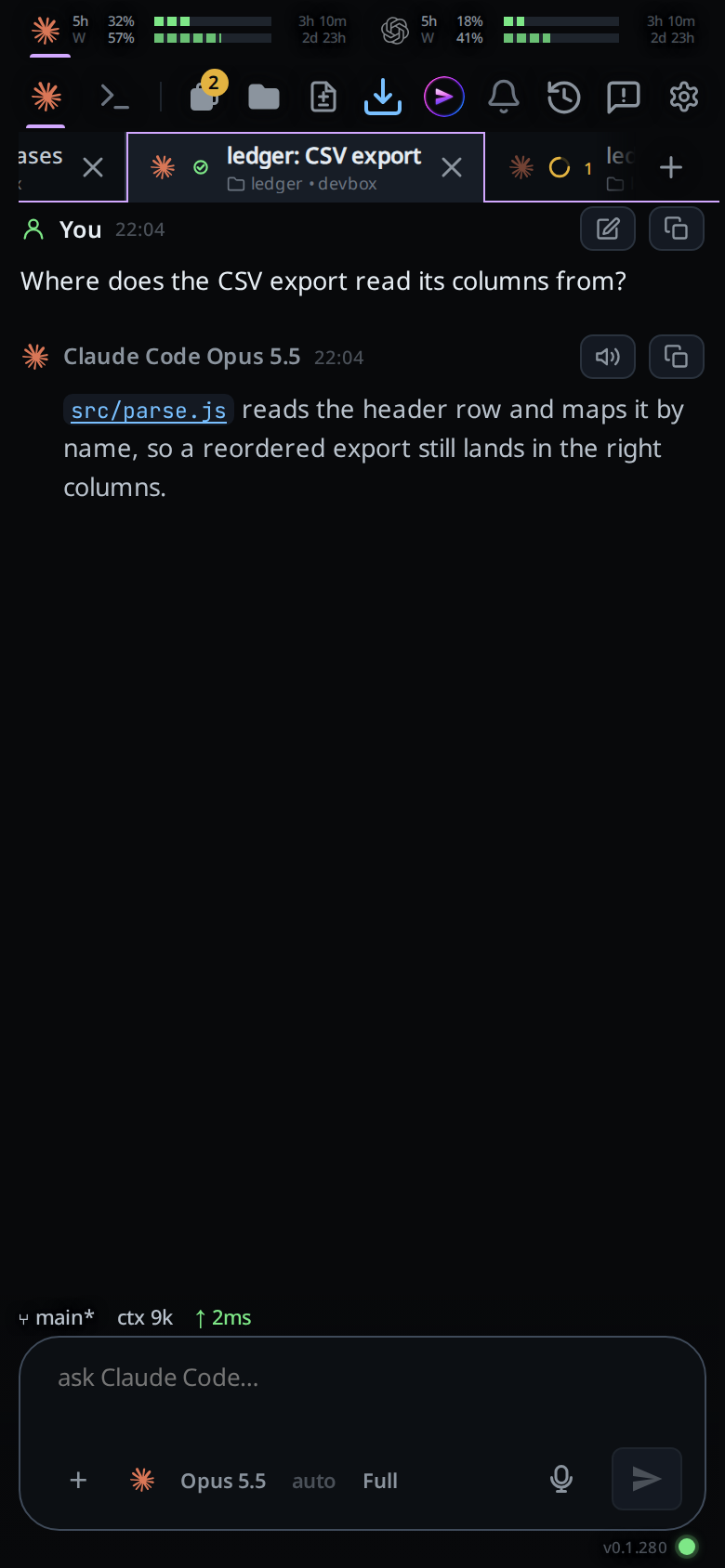
Agent wears the agent's own mark. Shell wears a terminal icon. Neither is labelled on screen: the names are in the tooltip and the aria-label, and the selected one is brighter with a bar under it.

Tap one. Tapping Shell swaps the transcript out for the tab's terminal and hides the composer: you type into the terminal itself.
Tap the × on the terminal's header (
#panel-close) to go back to Agent.
What you see
In Shell mode the composer, its attachments row and the slash menu are hidden.
In Agent mode the placeholder in #draft follows the state:
| State | Placeholder |
|---|---|
| Shell mode | none: the composer is hidden |
| Agent idle | ask Claude…, the agent's own name |
| Agent mid-turn, steering possible | use the wheel to steer |
| Agent mid-turn, steering not possible | queues until this turn ends |
The selected chip is brighter and reports aria-pressed="true".
The mode belongs to the tab. Another tab, picked from the strip or a swipe,
shows in its own mode: the one you picked for it, else Agent. sendMode is the mode of the tab in front
(syncSendMode), and always Agent on a wide frame, where a pane in Shell shows
its terminal in place of the composer. A tab in Shell stays in Shell when the
window is widened or narrowed.
Limits and known gaps
- Nothing in the composer works in Shell mode, since it is hidden: no slash
menu, no dictation, no attachments, no steering wheel (
#steer). - Steering used to be a third mode here. It is not one any more. It only ever applies to the message being sent right now, so it is a button beside send.
- A handoff to another agent forces the mode back to Agent, so the composer is back for the next message.
- The mode belongs to the tab, on this device. A tab you switch by hand keeps that choice while the app is open and through the reload an update makes; a tab never switched opens on the agent. The Agent Commander is always on the agent.
- Each tab has one shell, so the same tab in Shell mode on two devices shows the same shell.
Related
- send-a-message: the Agent path
- bang-command: one command without leaving Agent mode or the transcript
- shell-mode: the terminal Shell mode opens
- edit-the-command-line: typing and editing in it
- queue-or-steer: the wheel the placeholder mentions
- shell-keys: the keypad shown in Shell mode
- icon-legend: what each mark in the strip means
- agent-commander: the one assistant behind the top bar's VCode icon, in a popup that is always in Agent mode
- wide-layout: the pane headers the pair moves into