
See which tabs finished or are waiting on you
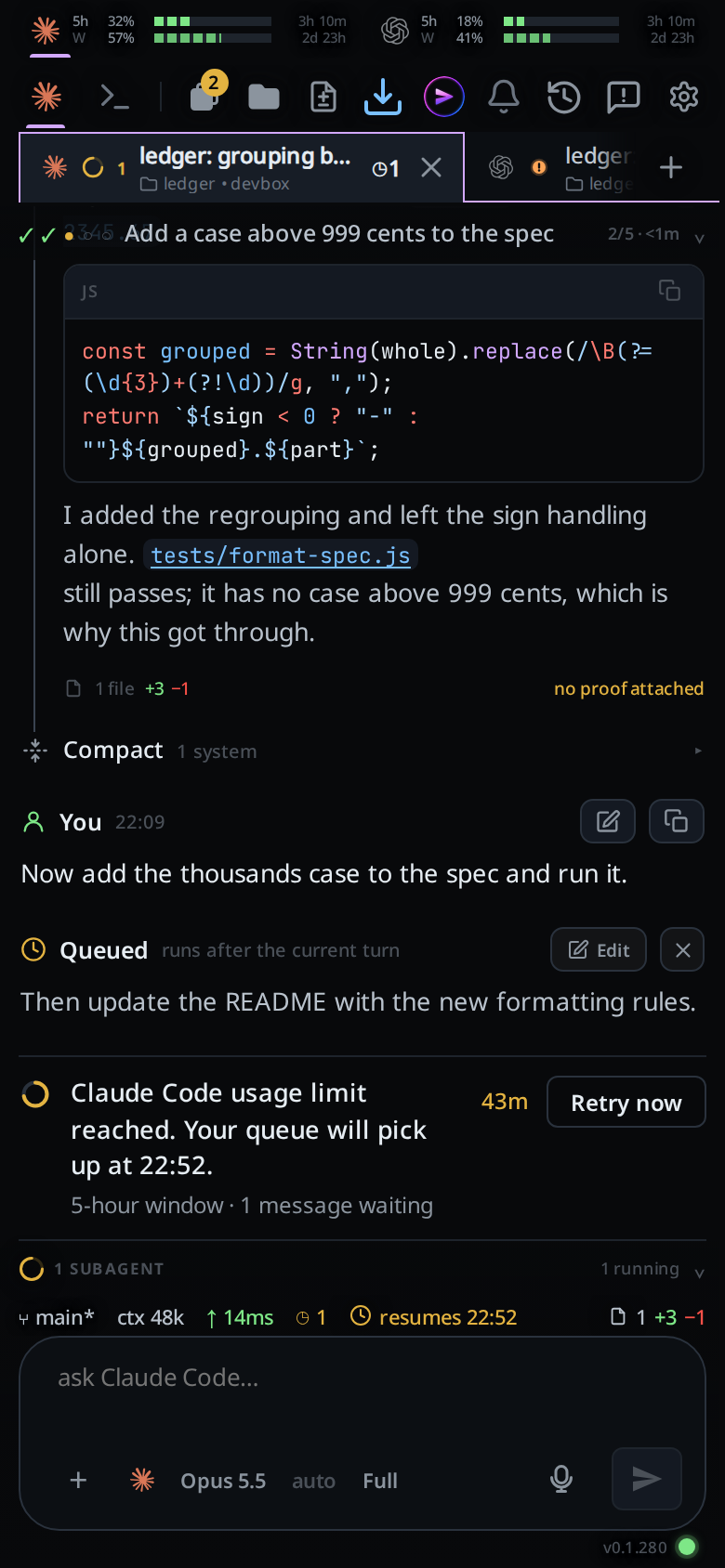
When a turn ends, its tab says why it stopped. An orange ! means the agent is
waiting on you. A green tick means it finished. Both stay until you send the tab
its next message. Once you open a finished tab its tick turns hollow. The Tabs
button counts the ! tabs and the filled ticks.
Why you would use it
You start work in several tabs and put the phone down. When you come back you want to know which tab asked you something and which ones just finished, without opening each one.
How to use it
- Look at the status mark on each tab in the strip (
#tabstrip), the tab drawer (#drawer) or the Threads sheet. - On a phone, look at the badge on the Tabs button (
#tabs-open): the number of tabs with a!or a filled tick. It is orange when they are all waiting, green when they all finished, and yellow when there are some of each. It counts only tabs the drawer lists: the Agent Commander and a tab marked done are left out. The Commander's icon carries its own tick or!. - Open a tab with a tick and the badge drops it, on every device. The tick
stays on the tab, hollow. The
!and the tick go when you send that tab a message.
What you see
| Mark | Meaning | Goes away when |
|---|---|---|
Red disc with !, pulsing |
The agent stopped for you: it asked a question, or wants an approval or a go-ahead | You send the tab a message |
| Green disc with a tick | The turn finished and you have not opened the tab | You open the tab: the tick turns hollow |
| Green ring with a tick | The turn finished and you opened the tab | You send the tab a message |
| Grey ring | Nothing running and nothing new |
- A tab counts as waiting when the agent's last paragraph ends in
?, or when the agent ranv-code wait. Agents are not told to run it: asked to, Claude reported the call in place of its answer. The?check is what marks a tab in practice. - Stopping a turn yourself leaves no mark.
- A tab whose background agents are still running shows the spinning arc, not
the tick. A
!shows over it. - A Claude tab with a shell command still running in the background shows a
blue spinning arc around a
>, not the tick. The tooltip readsidle · 1 shell running. Agents running and a!both show over it. - The tooltip and the Threads sheet read
waitingorfinished.
Limits and known gaps
- The question check reads text. A reply whose last paragraph ends in a
rhetorical question shows
!, and a question asked mid-reply and followed by a statement does not. - The badge is on the phone's Tabs button only. On a wide screen the tabs in each pane header carry the marks.
- A tab in a box that is offline keeps its tick until the box is back.
Related
- switch-tabs: every mark the strip shows
- tab-drawer: the list the Tabs button opens
- thread-finished-notification: the same states on the lock screen
- what-the-agent-is-told: what agents are told, and why
v-code waitis not in it - icon-legend: the status marks
- pin-snooze-done: a done tab leaves the badge